App Guides
Use these when you want to understand a specific screen, setup flow, or in-app tool.
Browse App Guides iT Factor
Self Tape Studio
iT Factor
Self Tape Studio
iT Factor Help Center
The Help Center brings together in-app walkthroughs, workflow guides, self-tape craft articles, and fast FAQ support so the product site and support experience feel like the same system.
Start with the answer you need right now. The rest of the workflow is only a few clicks away.
Search & Browse
Search by task, filter by content type, browse by topic, or jump straight into the app guide or craft article you need.
Browse by content type
Browse by topic
No Matches
Nothing matched that search yet.Try a broader term like profile, project, export, reminder, or self tape.
Help Paths
App guides explain where things live inside iT Factor. Workflow guides connect the steps between screens. Self-Tape Craft articles support the bigger audition picture.
Use these when you want to understand a specific screen, setup flow, or in-app tool.
Browse App GuidesUse these when you want to understand how the product moves from one step into the next.
Browse Workflow GuidesUse the FAQ when you want a fast answer before reading a full walkthrough.
Open FAQArticle Index
Everything below keeps the current URLs intact while making the Help Center easier to scan, filter, and move through.
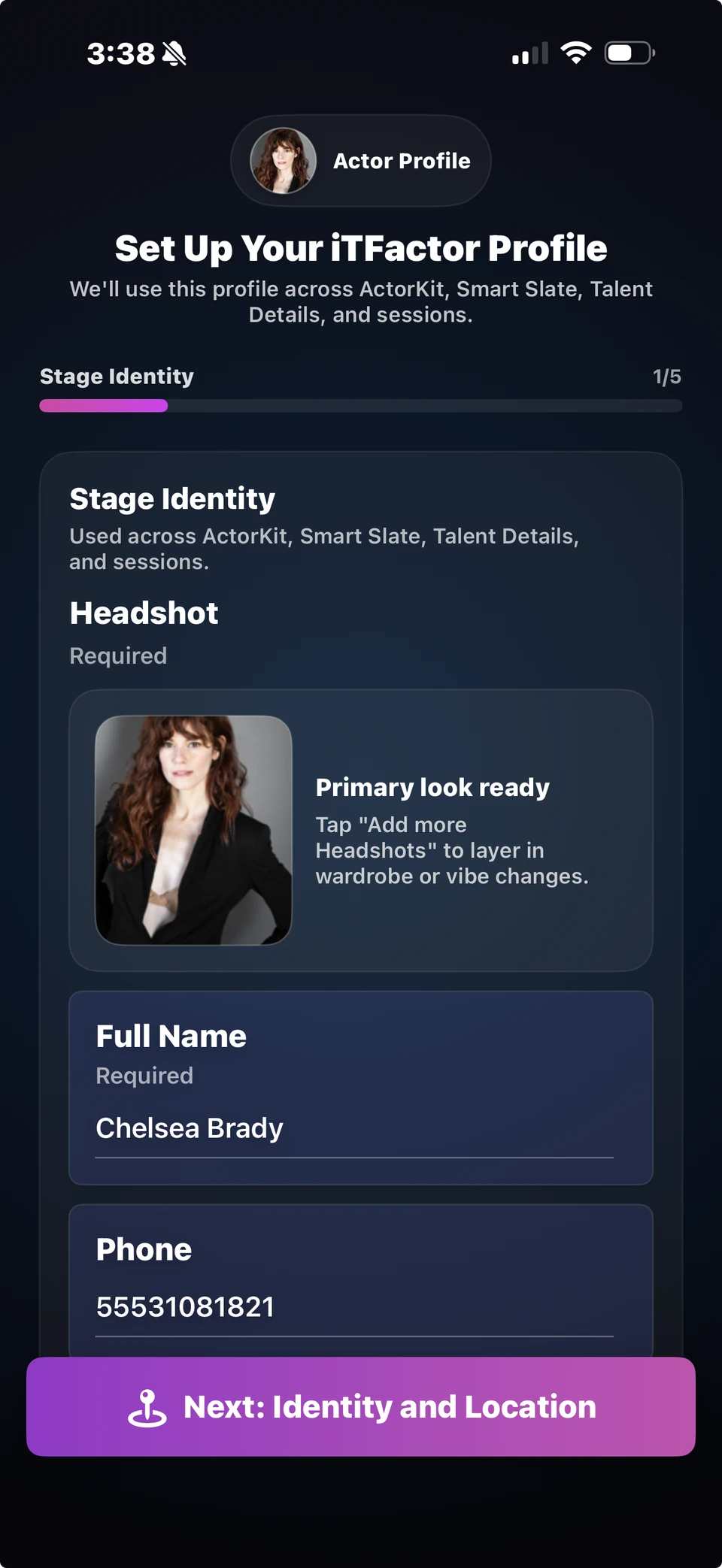
A calm first-time walkthrough for setting up your profile, knowing what matters now, and what can wait until later.
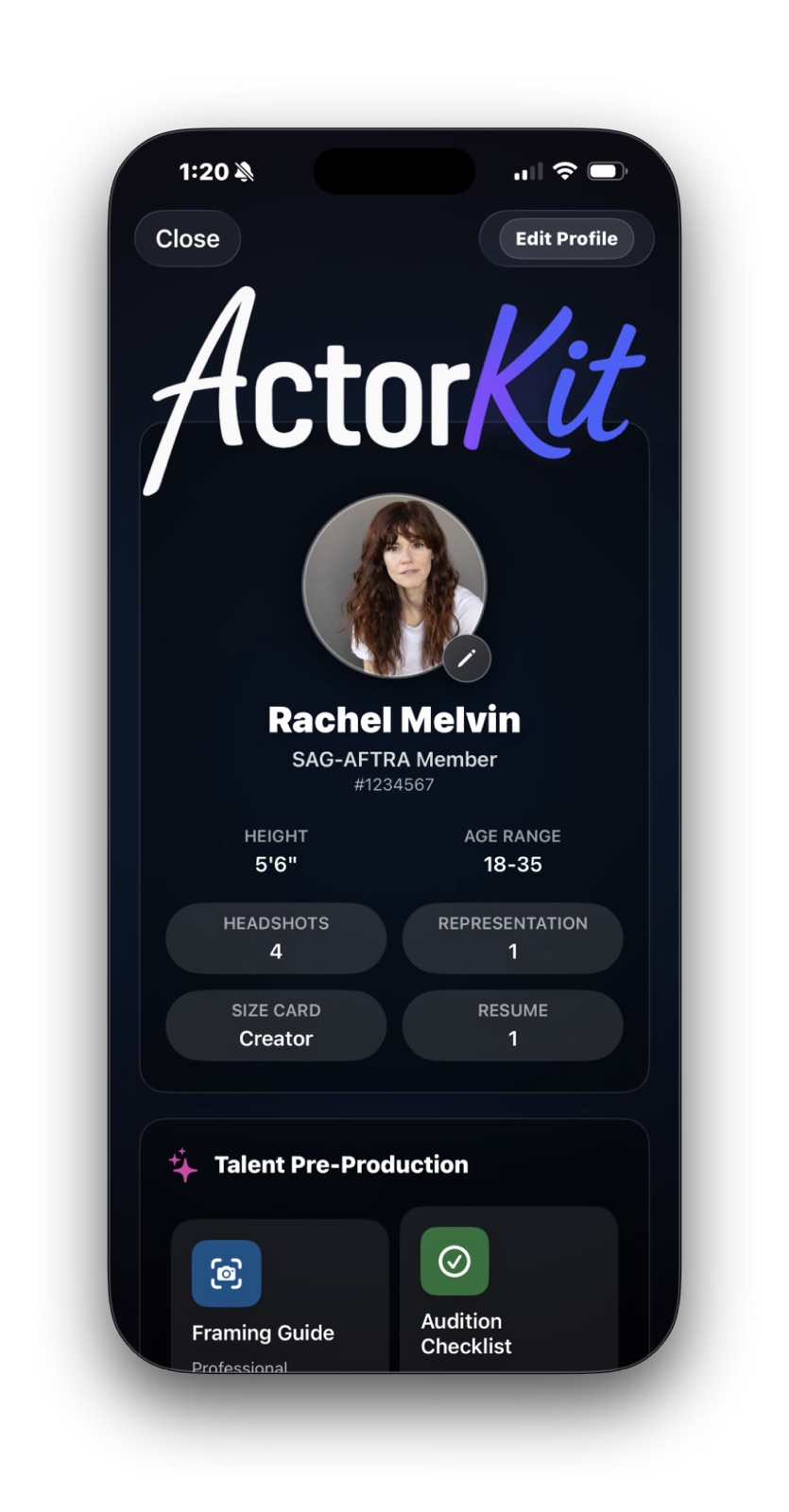
A warm walkthrough of your mobile office for headshots, resume, reps, talent details, prep tools, and quick references.
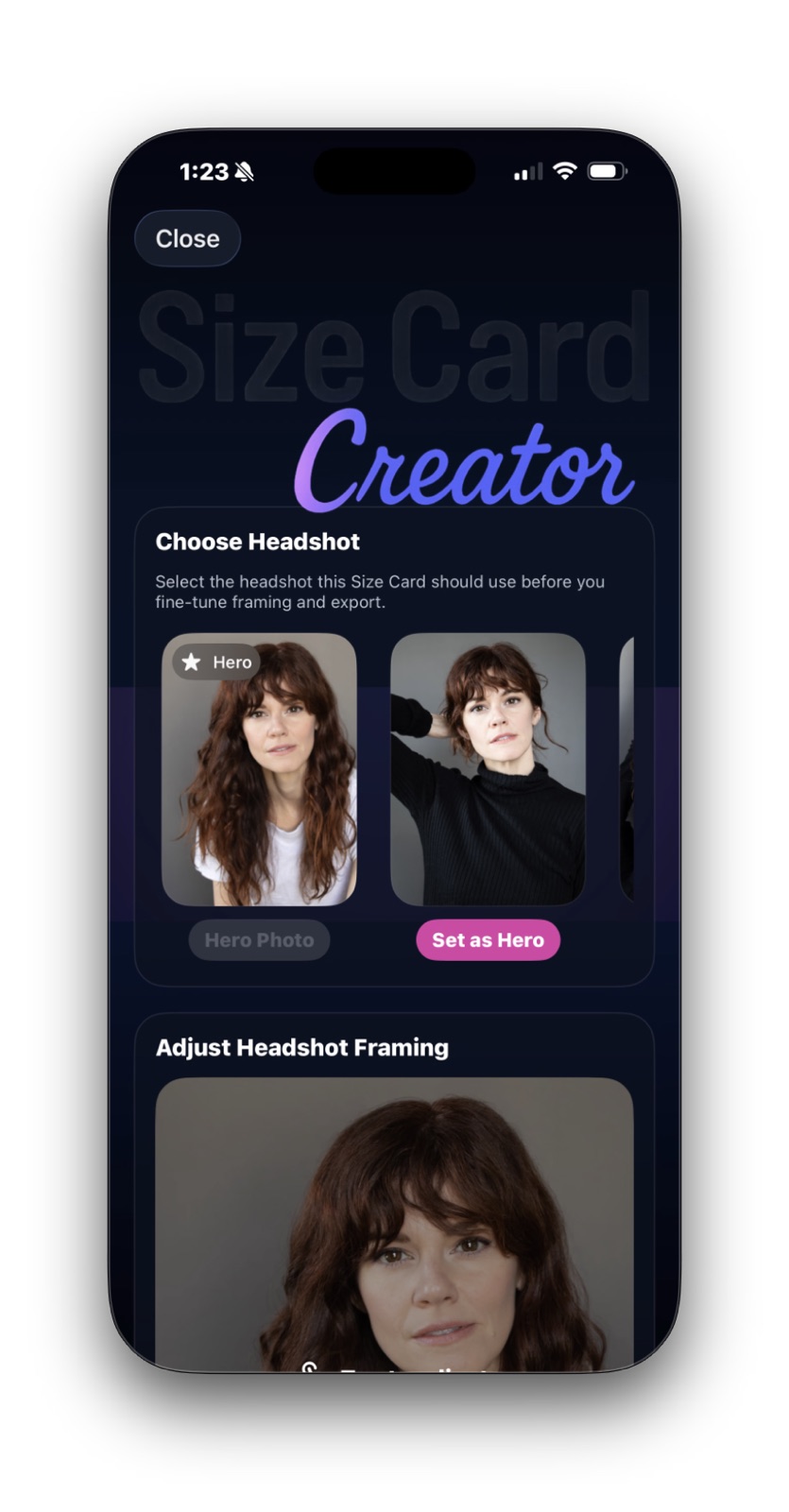
Learn how to choose the right headshot, simplify the preview, and share a clean size card without overloading it.
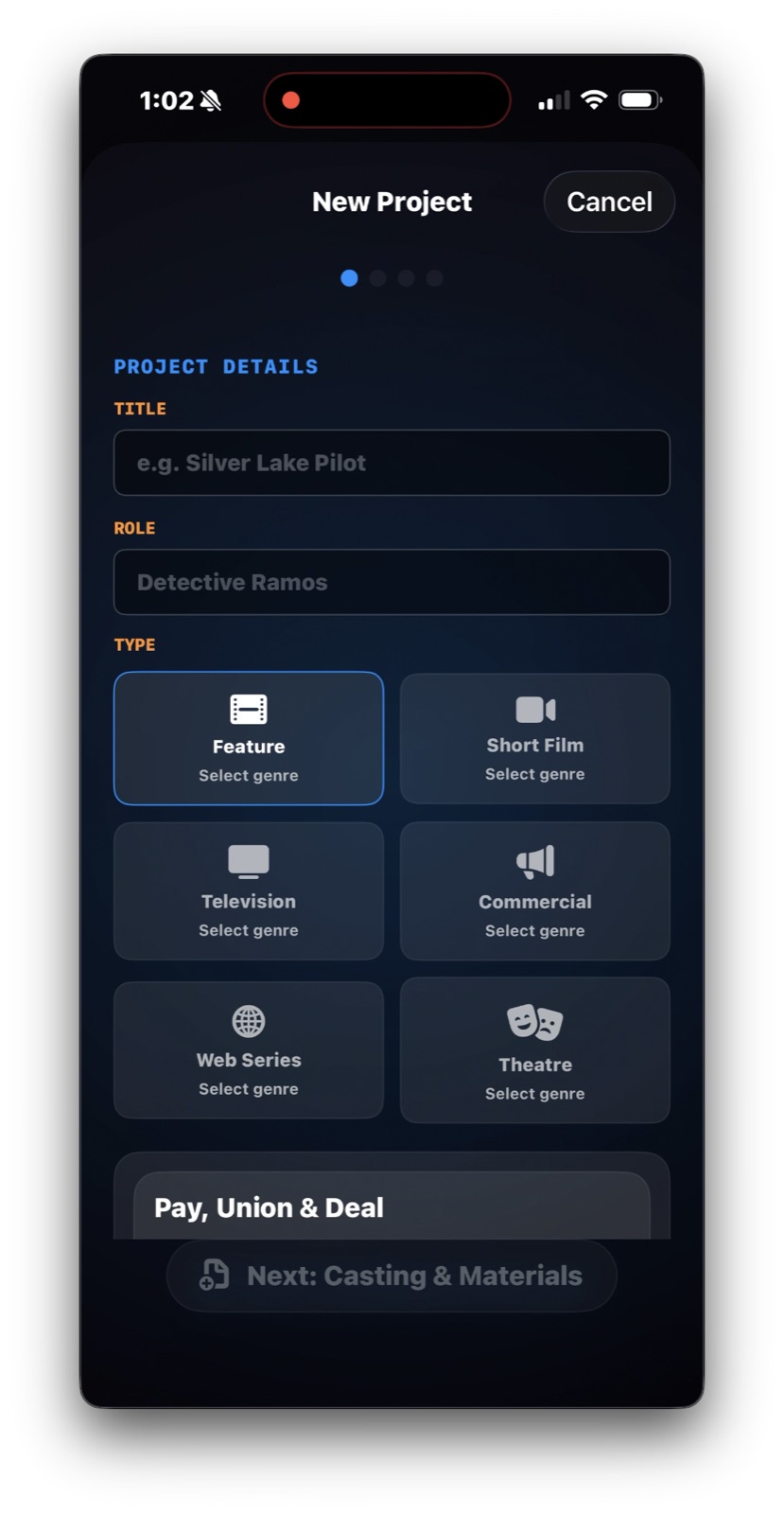
A calm walkthrough for creating a new audition project, attaching materials, setting slate details, and reviewing everything before you begin.
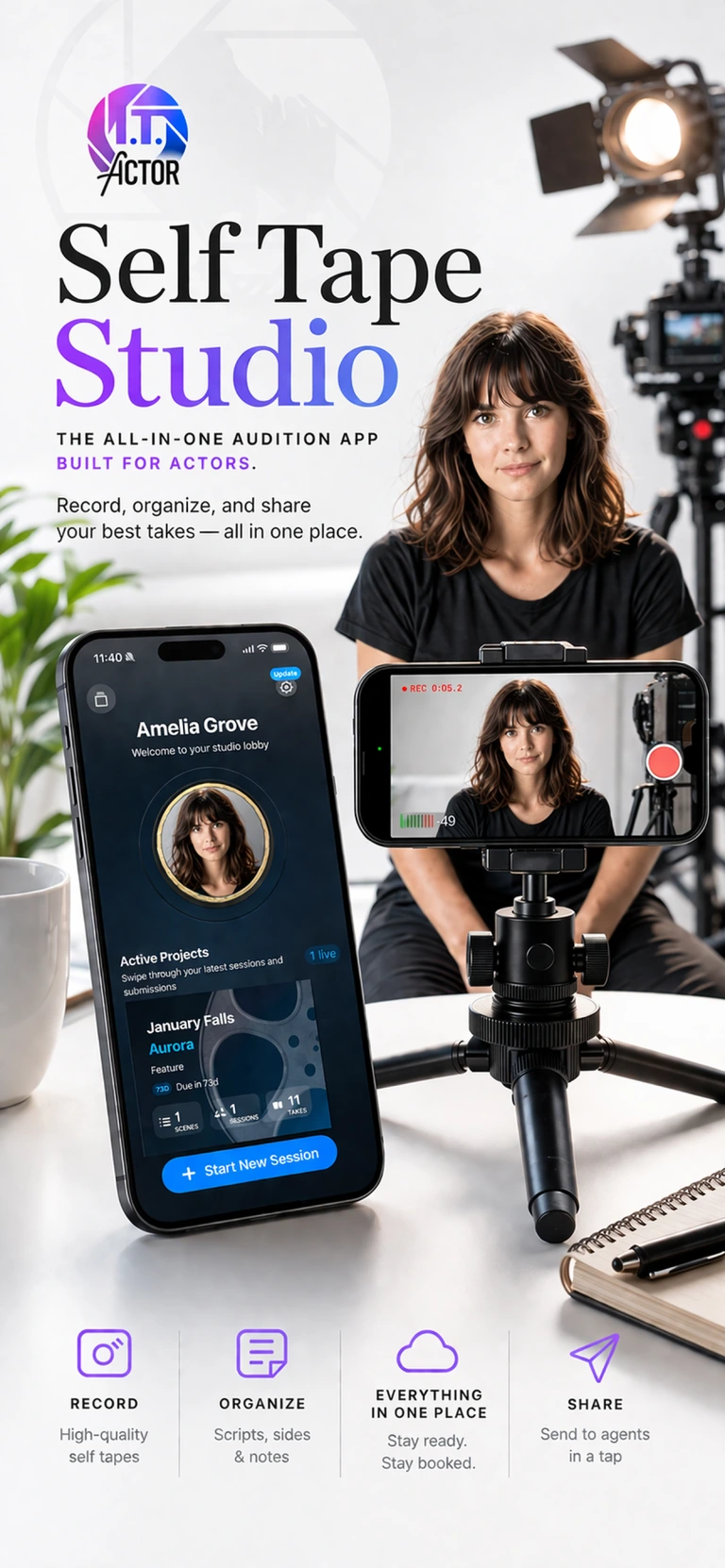
The calmest possible day-one path through profile setup, your first project, recording, review, and export.
Understand the dashboard, what each main action point does, and how Home keeps active work easy to find.
A straightforward map of account, capture defaults, security, storage, support, and the parts most users actually need.
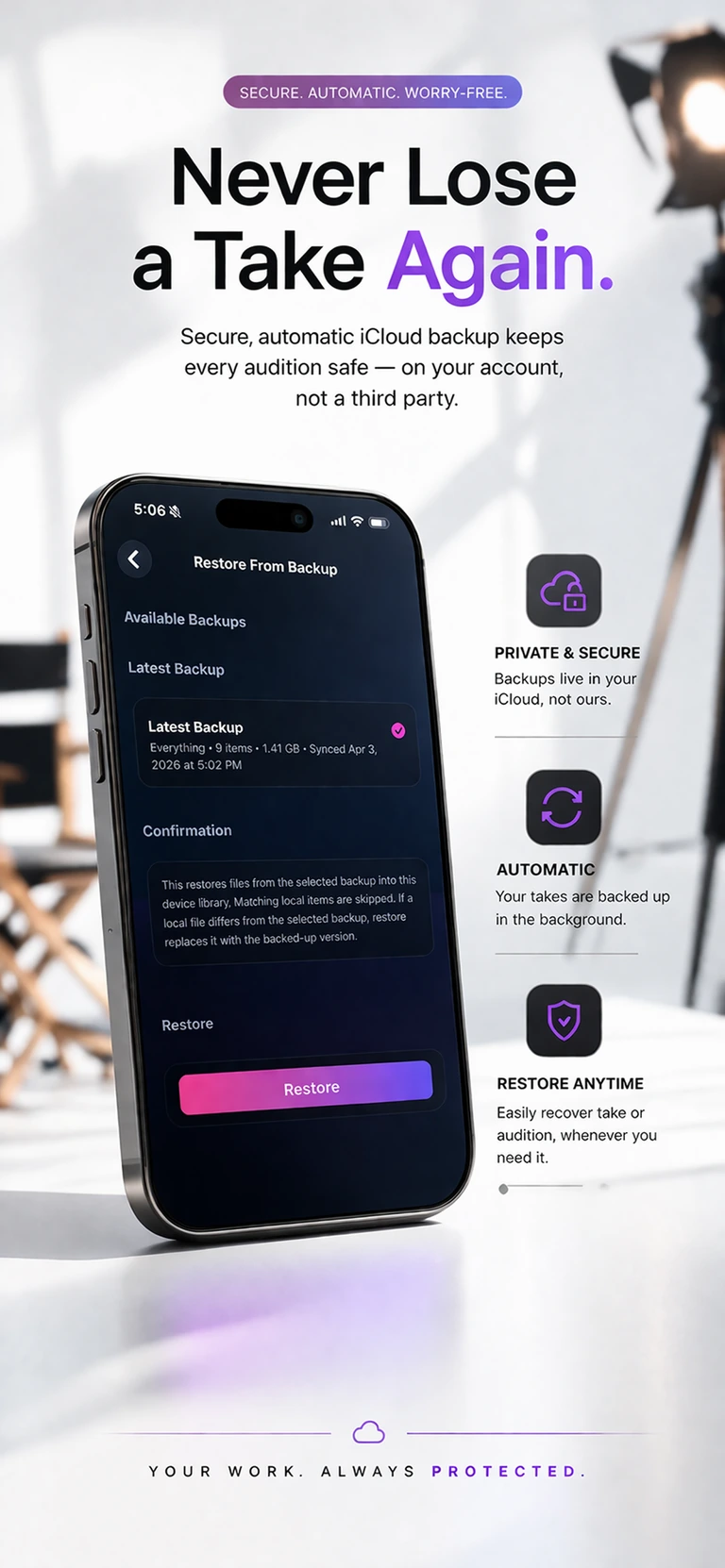
Understand latest backup, restore points, storage cleanup, and the difference between quiet protection and deeper recovery tools.
The project-level hub for sessions, submitted tapes, archive actions, and the bigger picture around one audition.
Use the recording workspace with less overwhelm, from Scene mode and slates to teleprompter and quick review.
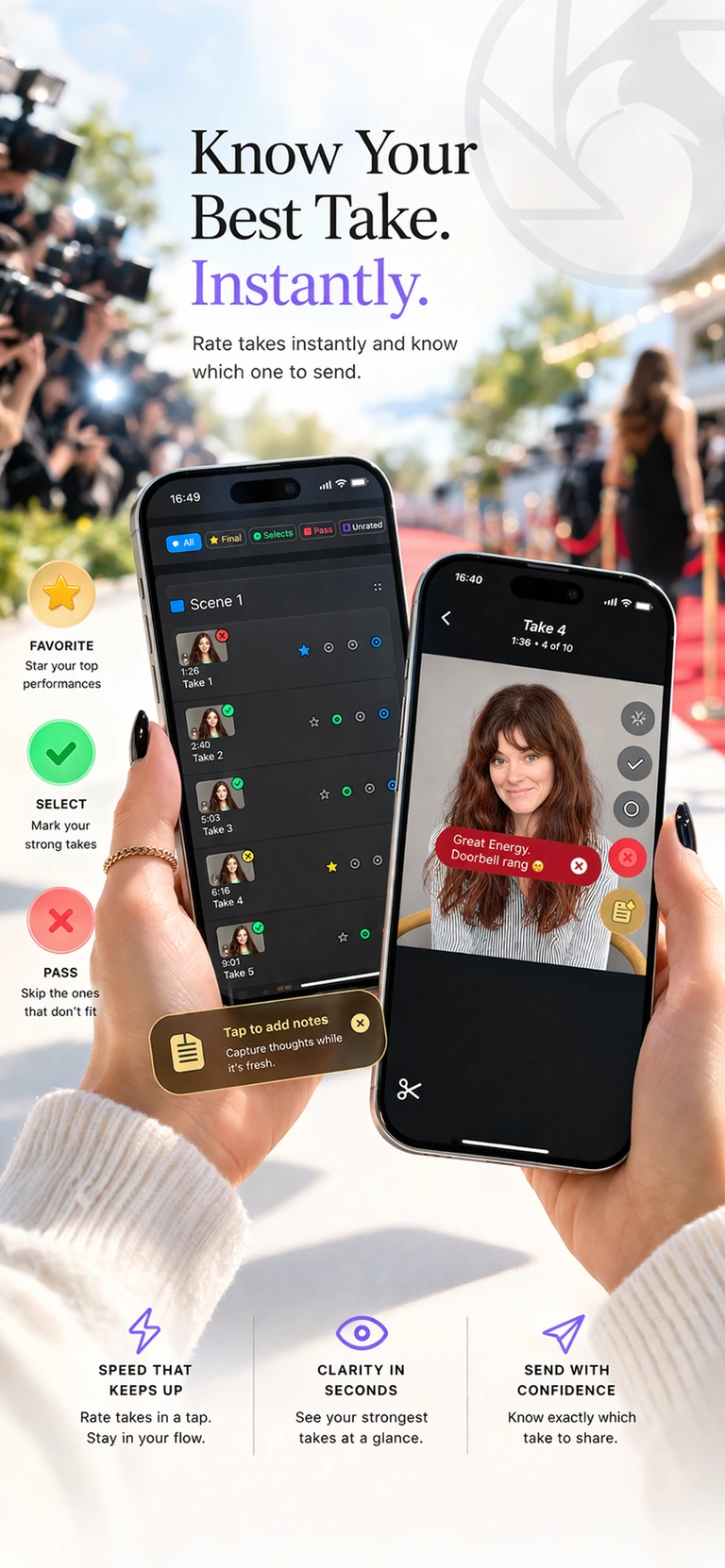
The decision-making screen for comparing takes, narrowing favorites, building deliverables, and marking work submitted.
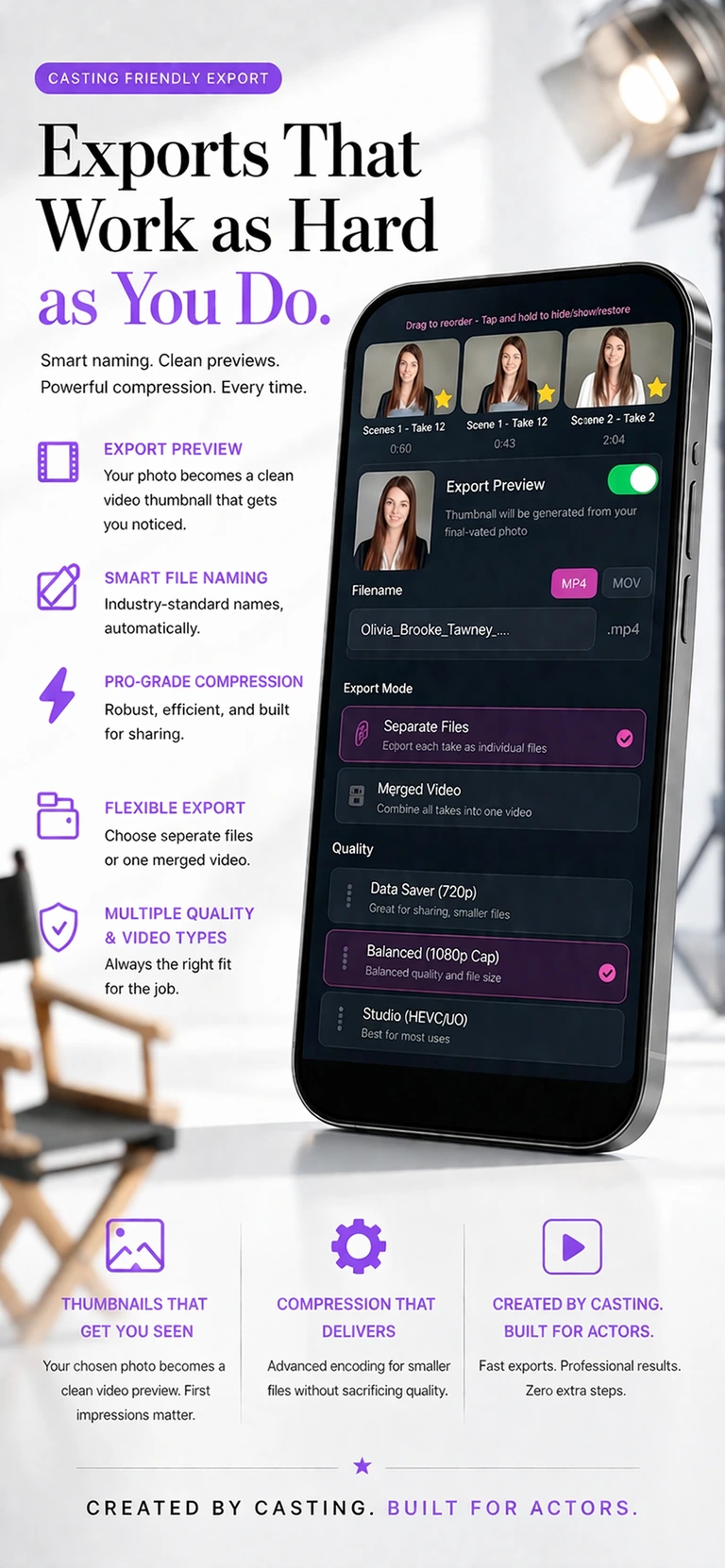
Choose the right export path, file size, and format without overthinking compression or delivery jargon.
Move finished work out of the active dashboard without losing the project record or confusing archive with delete.
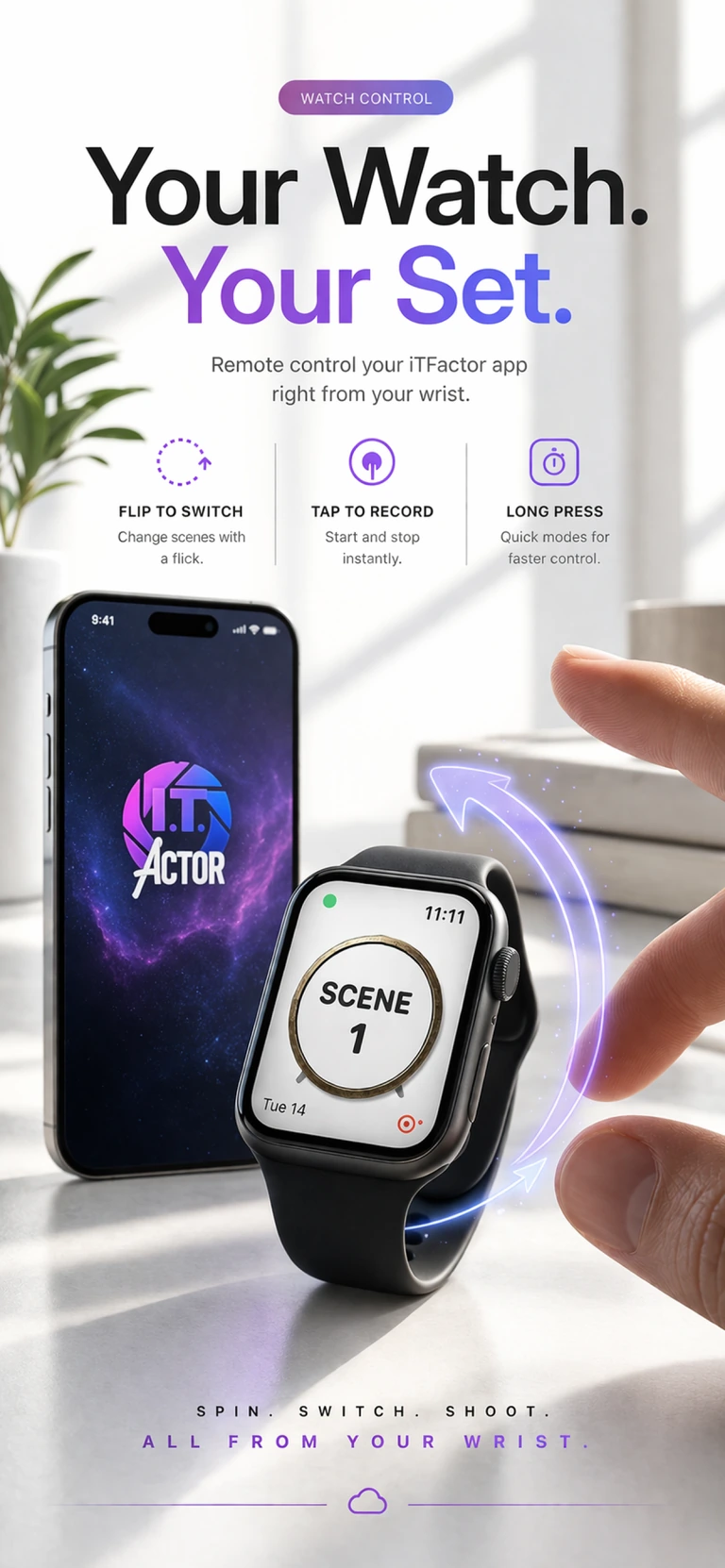
Understand due-date reminders, how Open Project works, and why submitted status is what usually stops the alerts.
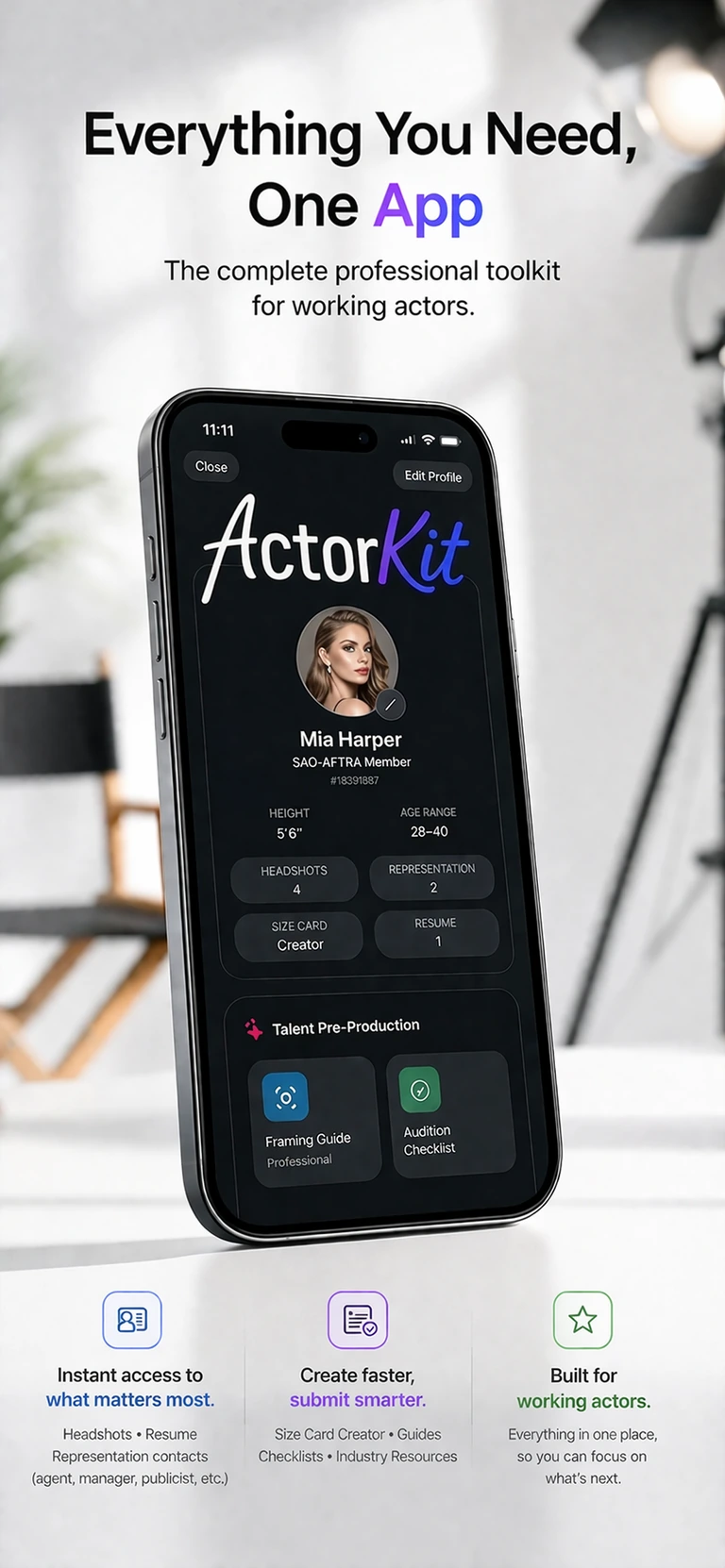
What actually matters when choosing a self tape app, and why all-in-one workflow beats app stacking.
Framing, lighting, audio, and performance-focused setup for actors who need polished results fast.
A fast, repeatable pre-send checklist for slates, takes, naming, exports, and submission polish.
What helps a tape feel professional before the performance is even fully judged.
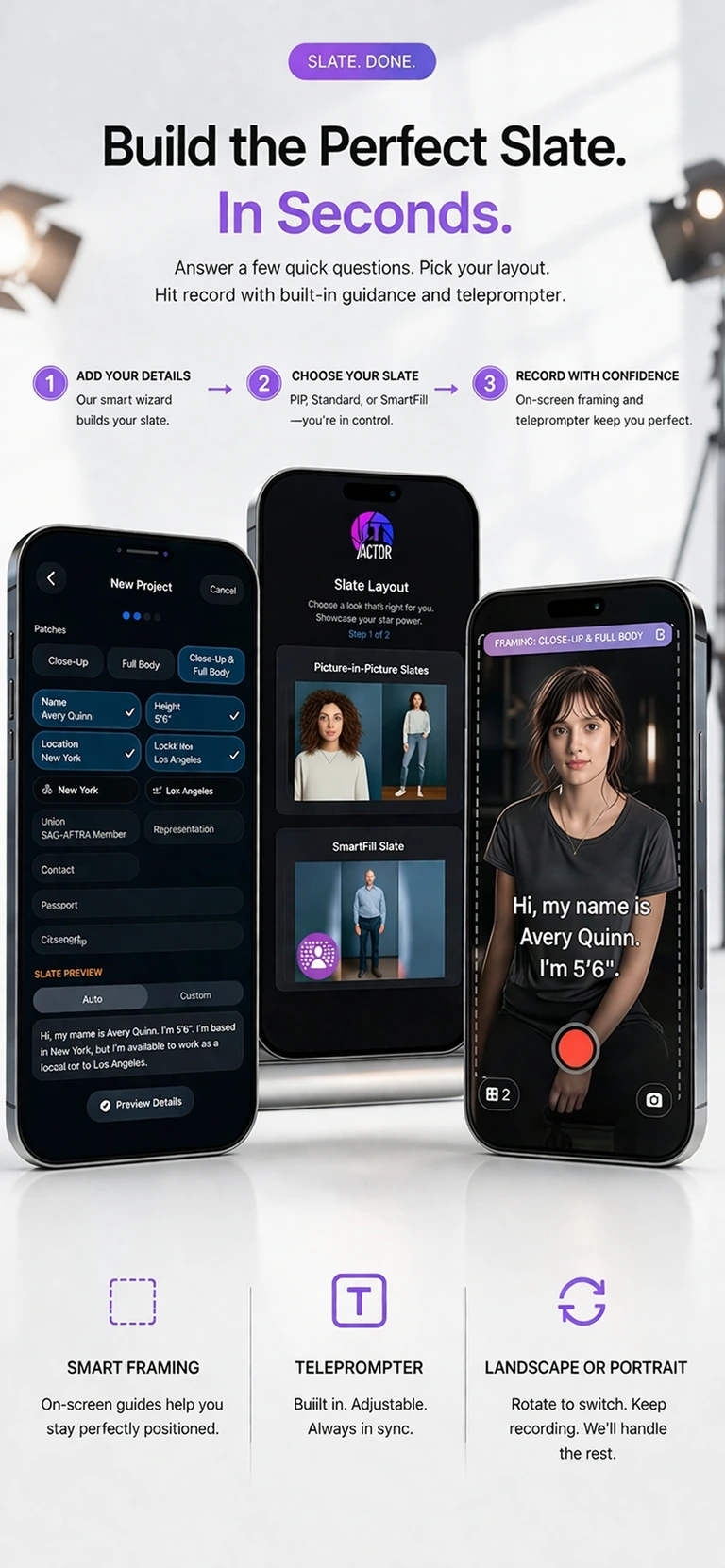
How to keep your slate clean, accurate, and aligned with instructions instead of overplaying it.
Popular Questions
The FAQ now lives as its own destination so fast answers do not feel buried under the full guide index.
Need the simplest first-day path, or want to know what can wait until later?
Open FAQ TopicUse this for project setup, reminders, archiving, and what submitted really means.
Open FAQ TopicUse this for merged versus separate files, formats, clickable PDF links, and final-send questions.
Open FAQ TopicThe Help Center is built to remove friction before the audition gets stressful. The app is built to keep the workflow professional once the work is live.